
Acquisition
Campaigns, spend, clicks, and installs
Connect acquisition, attribution, subscriptions, and user behavior with the tools that control your app. See what drives revenue, find the reason behind every change, and update the product without waiting for a release.
Create an account, verify your email, and complete a short onboarding to get started.
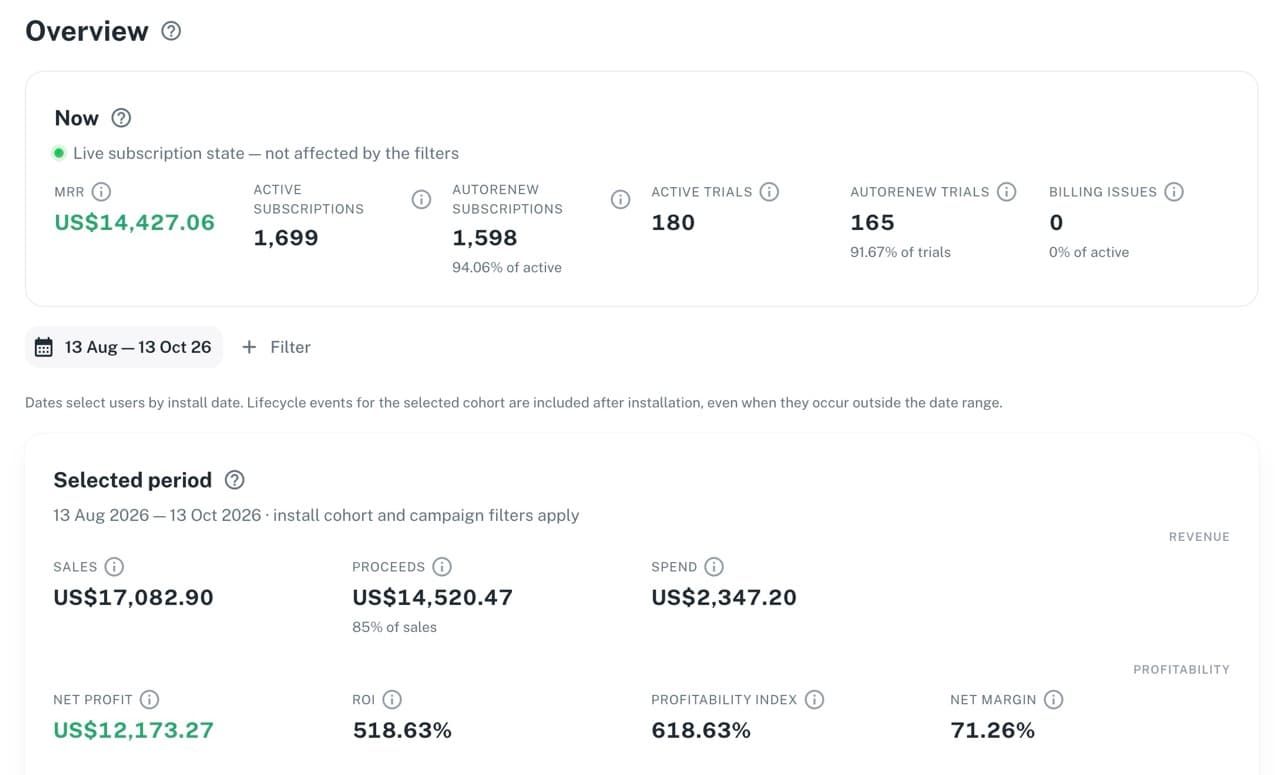
Ad networks show clicks and spend. Attribution providers identify the install source. The app records user actions. The App Store records payments. PNLight connects these signals so your team can move from a changed metric to its cause—and decide what to do next.
Campaigns, spend, clicks, and installs
Trials, payments, rebills, and refunds
Attribution, events, and subscription history
Remote UI, Remote Config, and postbacks
All app data stays connected
PNLight is organized around the decisions app owners and product teams make every day—not around a disconnected feature catalog.
Read acquisition and subscription economics in the same context, from top-level performance to cohort payback.
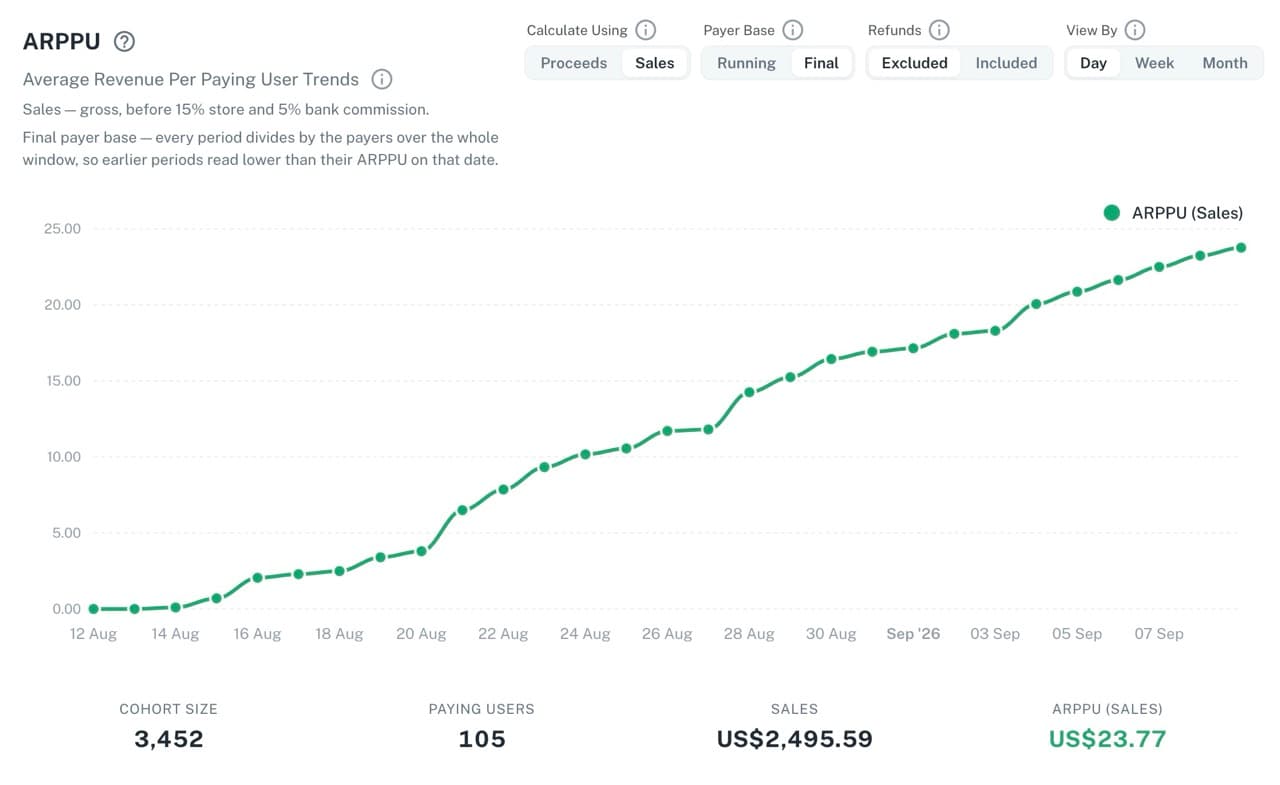
Move from an aggregate change to a specific customer journey without reconstructing the story across dashboards and logs.
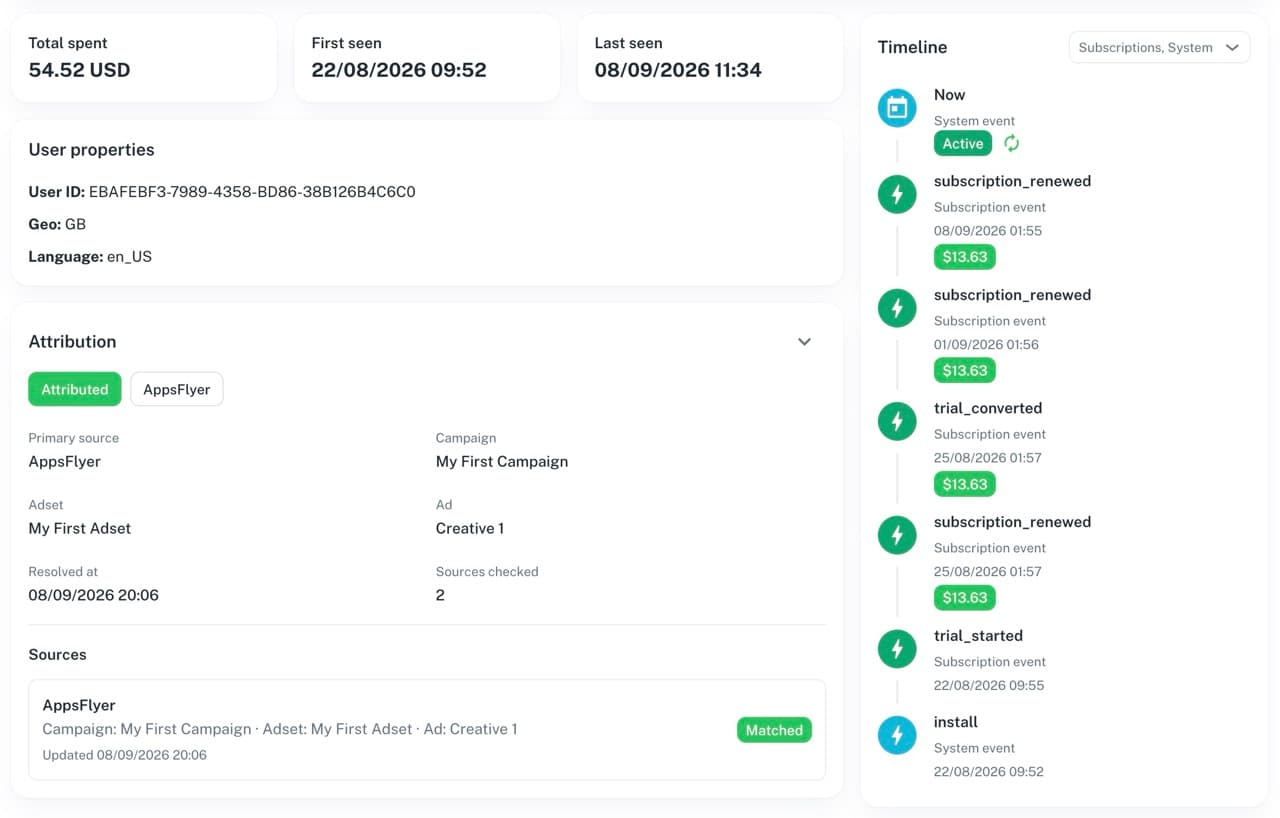
Use the data PNLight already knows to control what different audiences see inside the app.
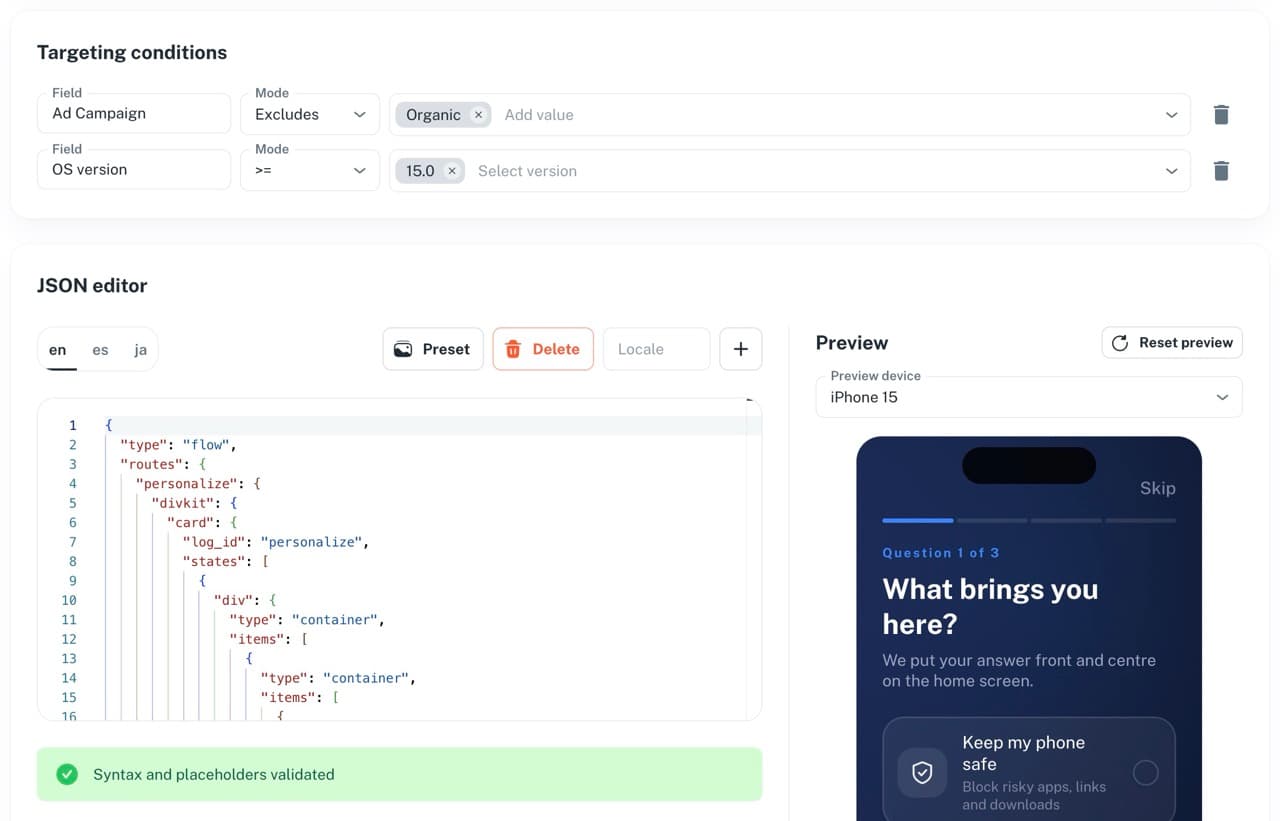
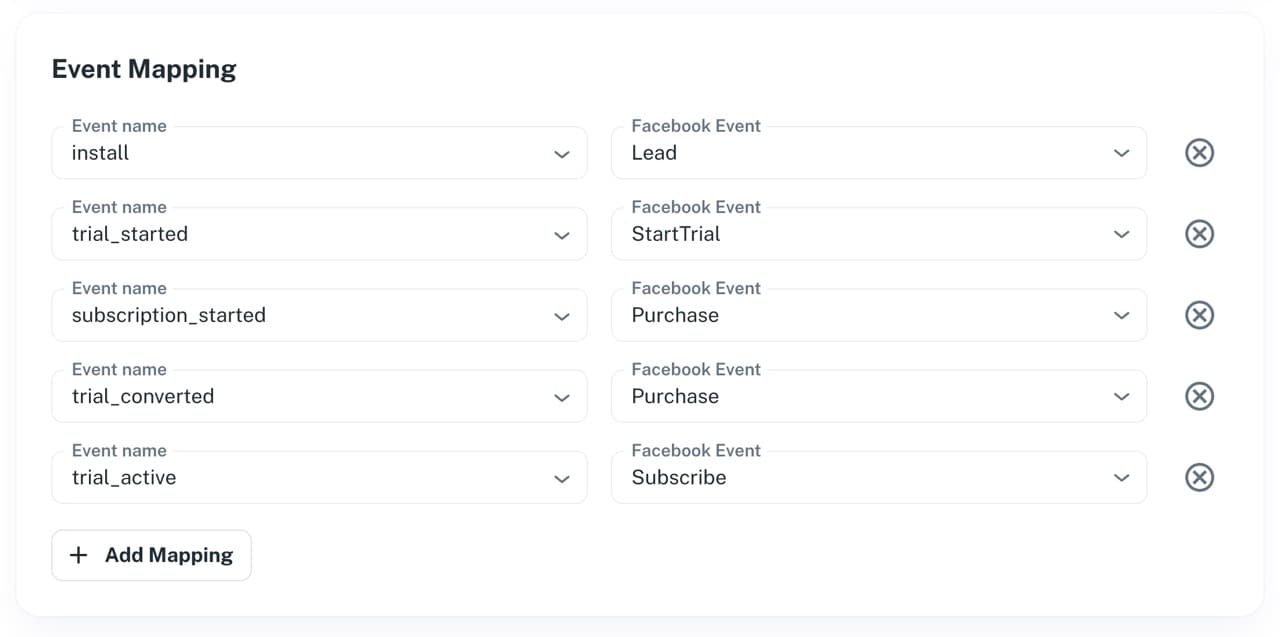
Send qualified conversion signals to the systems that need them and keep delivery status visible.
The same customer and campaign context stays available across the entire operating cycle.
Bring campaigns, spend, and click context together.
Resolve the source and keep it attached to the customer.
Connect trials, payments, renewals, and refunds.
Explain business changes through cohorts and customer journeys.
Update the app and use the result to guide the next change.
CONNECT YOUR SERVICES. WORK IN PNLight.
The App Store, ad networks, and external attribution providers remain part of your setup. For web-to-app flows, PNLight provides its own install attribution and connects the data in one workspace for product, growth, and engineering teams.
App Store Connect · AppsFlyer attribution · Meta · Google Ads · SDK events
Analytics · Customers · Campaigns · Cohorts · Funnels · Diagnostics
P&LightRemote UI · Remote Config · Conversion events · Custom postbacks
Supported apps, integrations, and how to get started with PNLight.
PNLight is built for teams that grow iOS apps. It connects acquisition, attribution, subscription economics, customer behavior, Remote UI, Remote Config, and conversion delivery in one operational context.
PNLight combines product analytics, web-to-app install attribution, subscription analytics, Remote UI, Remote Config, and conversion delivery. This lets teams replace several separate tools with one service, while the App Store and ad networks remain data sources.
PNLight connects to iOS apps built with Swift, React Native, and Flutter through an SDK for each stack.
Yes. Your app can forward attribution from supported providers such as AppsFlyer while PNLight preserves the resolved source across customers, events, purchases, analytics, and delivery rules.
Yes. PNLight is organized around projects and supports both one app and a portfolio.
Verify your email and complete a short onboarding with your name and Telegram contact. Company and app details are optional. You can then open your dashboard, create a project, and connect your app.
Register, verify your email, and complete a short onboarding to open your dashboard.
Register with your work email and verify it.
Enter your name and Telegram contact. Company, app count, geographies, and verticals are optional.
Go straight to your dashboard to create a project and connect your app.